

Stream light.
The free, open-source app that replaces OBS Studio. Built to weigh as little as possible on your game.
Free, no account needed · GPL-3.0-or-later · Windows first, then Linux and macOS
- Full kit
Complete
Everything you use in OBS: scenes, sources, mixer, filters, multistream, replay buffer.
The features - 10.6 MB
Light to download
The installer at its last accepted build. OBS Studio 33.0.1's installer is 186.7 MB.
The sizes - Measured
Light on your game
Our target is a loss within noise, at full quality. We publish what we measure, and where we miss.
The numbers
- Video chipThe 3D cores stay with the game
- No injectionCapture through Windows
- Silent at restNo GPU work when idle
- Optional partsNothing loaded until you turn them on
- Crash-proof filePlayable after a power cut
Every frame takes the shortest path.
One graphics device from capture to encoder, no copy through memory, no hook in your game.
Your game
Untouched: nothing hooks into it.
Capture
Only frames that changed.
Your scenes
Composed on the same GPU, no copy.
Encoding
On the video chip: NVENC, AMF, QuickSync.
Out
Twitch, YouTube, Kick and the file, at once.
Installer download
BriseStream: installer at its last accepted build, 4 Nov 2026 (budget 25 MB). OBS Studio 33.0.1, Windows x64 installer, from its GitHub release.
The 1 % target is not met yet in every setup. See what we measured, losing rows included.
Everything you use in OBS.
Scenes, sources, studio mode, a six-track mixer, filters, hotkeys and the stream out to Twitch, YouTube and Kick.
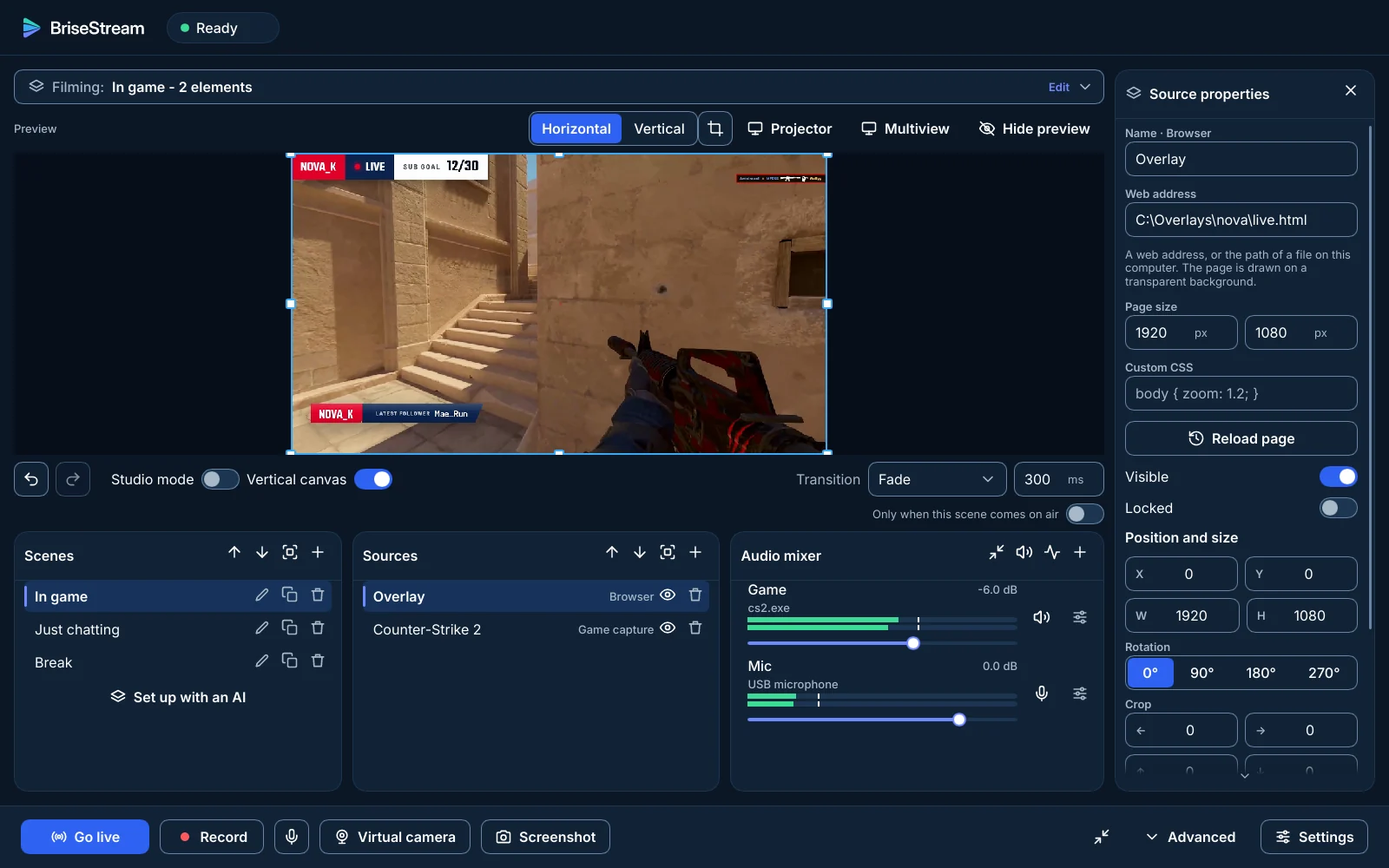
- Scenes and sources
- Transitions
- Studio mode
- Horizontal + vertical
- Mixer and filters
- Noise suppression
- Hotkeys
- Multistream
- Replay buffer
- Markers
- OBS import
- Stream Deck (obs-websocket 5)
- Browser source
- Virtual camera
- NDI
- VST3 plug-ins
Dashed: optional part, off until you turn it on.
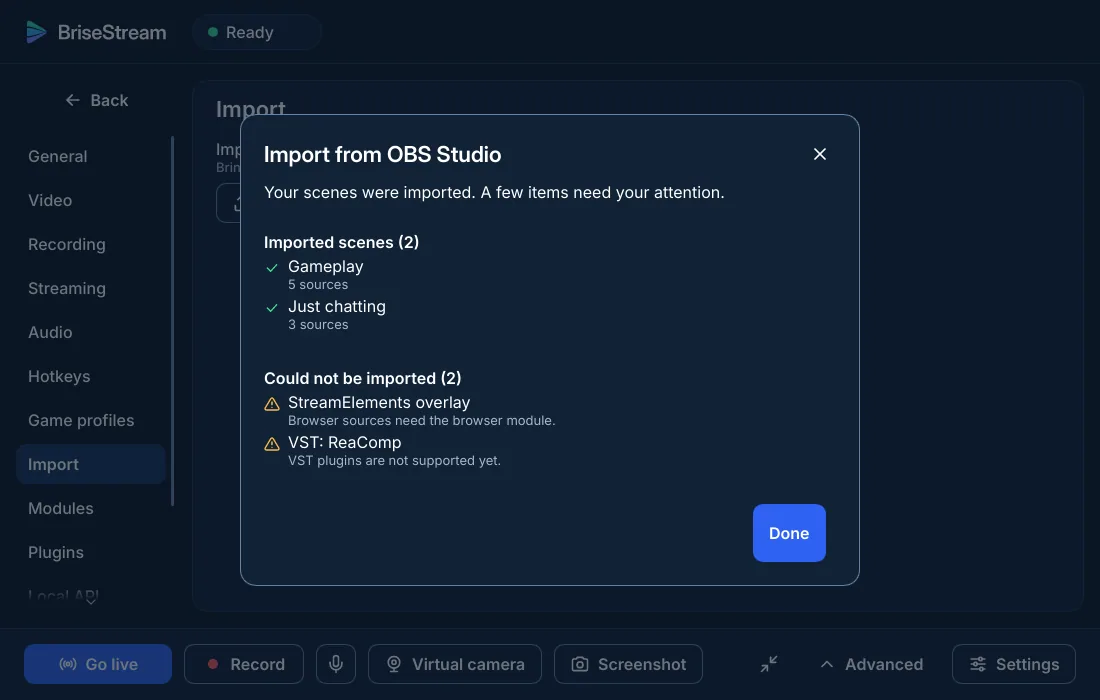
Bring your OBS scenes with you.
Settings, Import reads your OBS scene collections and profiles, then tells you what it could not convert and why.
- Scenes and nested scenes, sources, positions and crops
- Video filters that have an equivalent, in OBS's order
- Audio sources with volume, tracks, sync offset and their filters
- Scene hotkeys, and your vertical canvas
Nothing fails in silence.
Every stage names itself when it struggles, and your recording does not depend on the network.
Every stage has its light.
Your recording survives the crash.
Messages as the app writes them. Names and figures are examples.
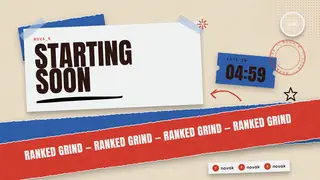
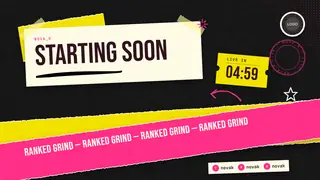
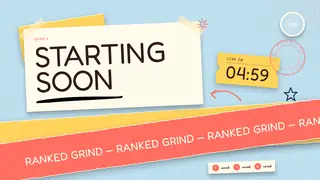
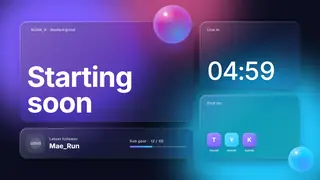
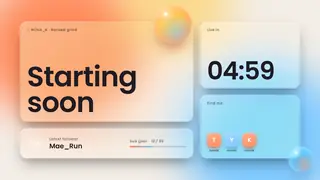
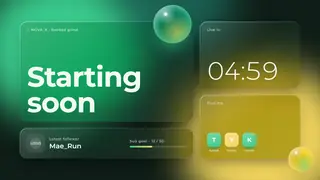
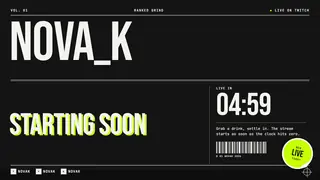
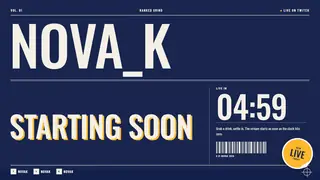
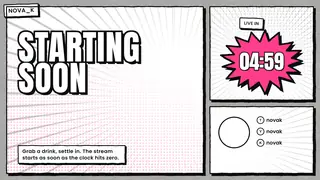
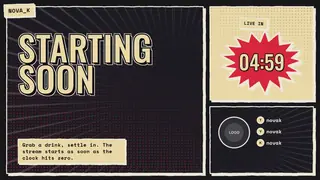
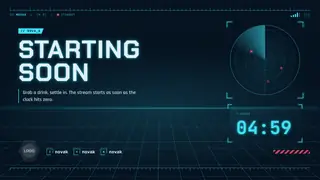
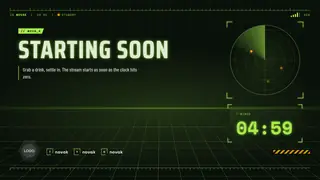
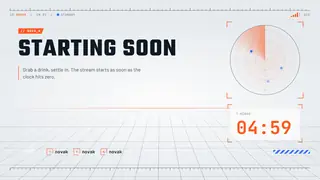
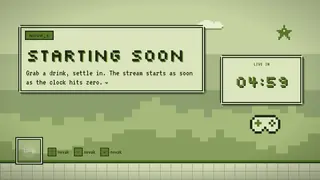
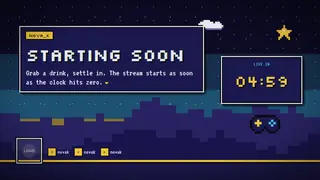
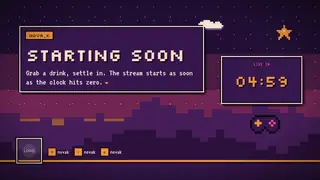
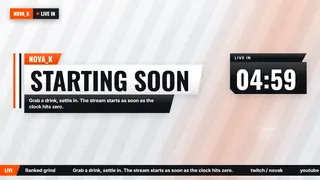
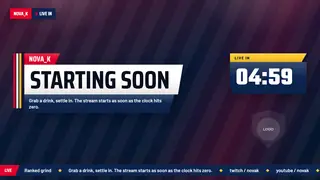
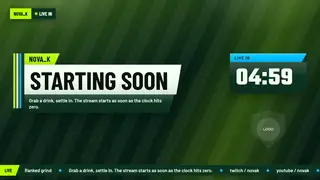
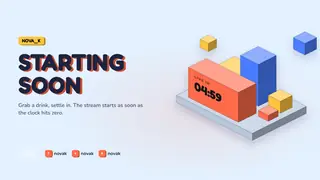
Ready-made packs, included.
Ten packs in 33 looks, with every screen of a stream: opening, game, talking, break, ending and alerts.
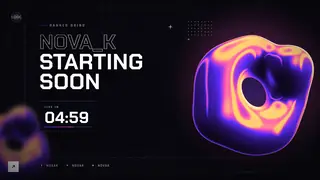
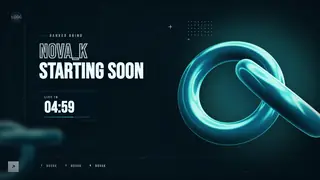
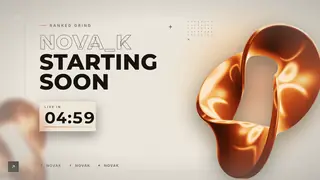
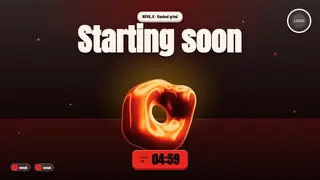
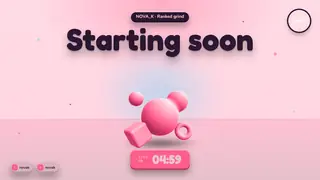
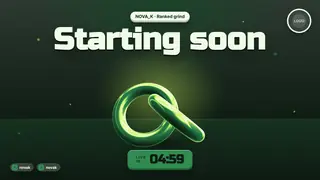

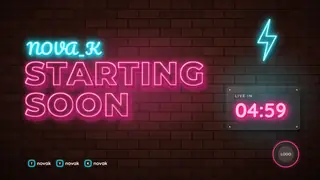
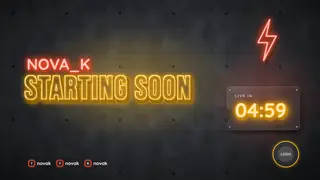
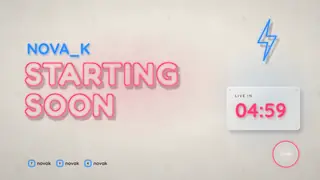
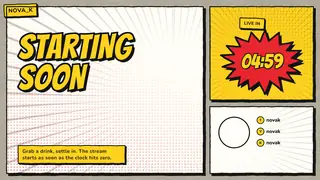
Want one of a kind? The studio designs a pack for your channel. €19, once Create my pack See the packs
Is BriseStream free?
Yes, free and open source under GPL-3.0-or-later. Only the custom packs from the studio are paid, and they are optional.
When can I download it?
Version 1.0 is in preparation and there is no public build yet. The download page says what to expect and how to be told.
Is it really lighter than OBS?
The installer is much smaller. On your game, we measure and publish the cost with its conditions, and the 1 % target is not met everywhere yet. Read the numbers before you believe anyone, including us.
Can I keep my OBS scenes?
Yes: OBS scene collections import, and the local API speaks obs-websocket 5. How it works.
Which systems and graphics cards?
Windows first, then Linux and macOS. NVIDIA (NVENC), AMD (AMF) and Intel (QuickSync) video encoders, with a software fallback when a card has none.
Free, open source, for every streamer.
Version 1.0 is in preparation. Watch the project to hear when the first build ships.